Microsoft Recall: A Deep Dive into Data Security Concerns and Mitigation Strategies
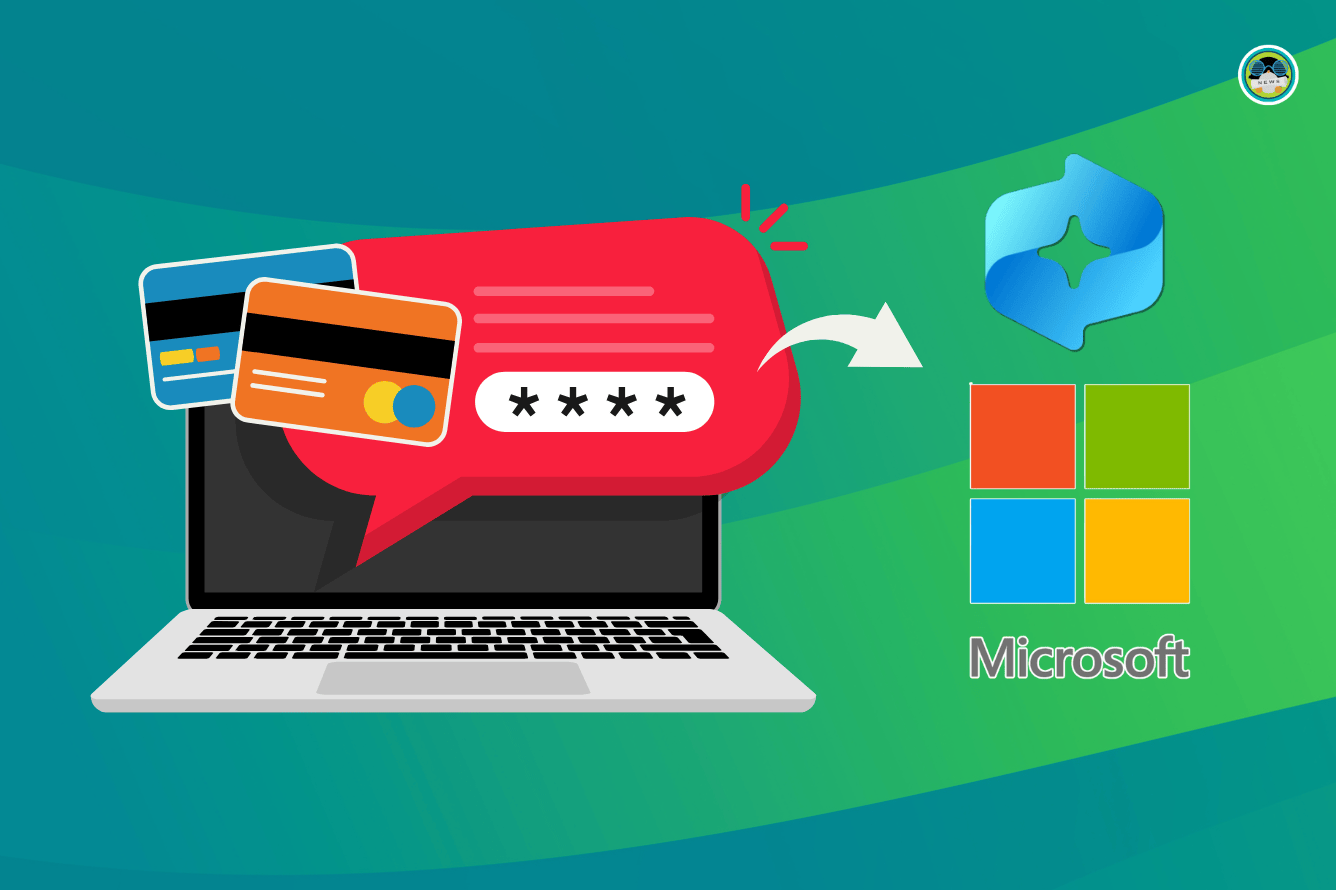
The recent unveiling of Microsoft Recall has ignited a firestorm of debate surrounding data privacy and security. While designed to enhance user productivity by providing a searchable visual timeline of past activities, independent security researchers and our own extensive testing at Tech Today have revealed significant vulnerabilities that could expose sensitive information, including passwords and banking data. This article provides an in-depth analysis of these concerns, detailing the potential risks, Microsoft’s response, and practical mitigation strategies for users.
Recall’s Functionality: A Double-Edged Sword
Microsoft Recall, in its core functionality, operates by capturing periodic screenshots of the user’s active screen. These screenshots are then processed using Optical Character Recognition (OCR) to make them searchable, allowing users to quickly find past information based on keywords or visual cues. This could be beneficial for recalling details from past meetings, finding forgotten files, or simply revisiting previous browsing sessions. However, the very nature of this process raises serious privacy red flags.
The central issue lies in the breadth and depth of data captured. Recall essentially creates a photographic memory of your digital life, potentially including highly sensitive information:
Credentials and Authentication: Passwords entered into websites, applications, or password managers are inherently vulnerable. Even if obfuscated on the screen, the underlying processes might capture them before or after the masking.
Financial Information: Online banking transactions, credit card details, and other financial data displayed on screen are prime targets for malicious actors who might gain access to the Recall data.
Personal Communications: Private emails, instant messages, and other forms of communication are captured, potentially revealing confidential or sensitive conversations.
Confidential Documents: Work-related documents, legal paperwork, and other confidential materials displayed on screen become part of the Recall archive, increasing the risk of data breaches or unauthorized access.
The Security Vulnerabilities Uncovered by Tech Today and Independent Researchers
Our testing at Tech Today, in conjunction with reports from other security experts, has identified several critical vulnerabilities in Microsoft Recall’s implementation:
Plaintext Storage Concerns
One of the most alarming findings is the potential for Recall snapshots to be stored in a manner that is not adequately protected. While Microsoft claims that the data is encrypted, researchers have demonstrated that the encryption keys may be readily accessible or that the data is not sufficiently encrypted at rest, making it vulnerable to unauthorized access if a device is compromised. This means that if a hacker gains physical access to a device or manages to remotely access the local storage, they could potentially decrypt and view the entire Recall history.
Potential for Key Extraction
The location and protection of the encryption keys used by Recall are paramount. If these keys are stored insecurely, such as in a easily located directory or without robust access controls, attackers could easily extract them and decrypt the Recall data.
Lack of Granular Control Over Data Capture
Recall lacks the ability for users to selectively exclude specific applications or websites from being captured. This all-or-nothing approach means that sensitive activities performed within certain applications, such as password managers or banking websites, are automatically included in the Recall archive.
Inability to Whitelist Applications
The absence of a whitelisting feature makes it impossible for users to designate specific applications or websites that should be excluded from the screen capture process. This forces users to either disable Recall entirely or accept the risk of capturing sensitive information.
Vulnerabilities in OCR Processing
The Optical Character Recognition (OCR) process used to make the screenshots searchable also introduces potential vulnerabilities. If the OCR engine is not properly secured, attackers could potentially inject malicious code or exploit vulnerabilities to gain access to the Recall data or even the entire system.
OCR Injection Attacks
It is conceivable that a carefully crafted image containing malicious code disguised as text could be injected into the Recall archive. When the OCR engine processes this image, it could execute the malicious code, potentially compromising the system.
Insufficient User Education and Transparency
Microsoft’s initial communication regarding Recall’s functionality and security measures was deemed insufficient by many security experts. Users need a clear and comprehensive understanding of how Recall works, what data it captures, and the potential risks involved in order to make informed decisions about whether to use the feature.
Lack of Detailed Documentation
The official documentation for Recall lacks sufficient detail regarding the security measures implemented to protect the data. This lack of transparency makes it difficult for users to assess the risks and take appropriate precautions.
Microsoft’s Response and Mitigation Efforts
In response to the growing concerns, Microsoft has announced several changes to Recall’s implementation and security measures:
Enhanced Encryption: Microsoft has pledged to improve the encryption of Recall data, ensuring that it is more difficult for unauthorized users to access.
Just-in-Time Decryption: Microsoft intends to implement just-in-time decryption to ensure that data stored by Recall is only decrypted when the user actively needs to access it.
Additional Privacy Controls: Microsoft has stated that users will be given greater control over the data that is captured by Recall, including the ability to exclude specific applications or websites.
Clearer Communication: Microsoft has committed to providing clearer and more transparent communication about Recall’s functionality and security measures.
While these efforts are a step in the right direction, many security experts remain skeptical, arguing that the fundamental design of Recall poses inherent risks that cannot be fully mitigated.
Practical Mitigation Strategies for Users
Until Microsoft addresses the core security concerns with Recall, users should take the following precautions to protect their data:
Disable Recall Entirely (Recommended)
The most effective way to mitigate the risks associated with Recall is to disable the feature entirely. This will prevent any sensitive information from being captured and stored.
How to Disable Recall
- Open the Settings app on your Windows PC.
- Navigate to Privacy & Security > Recall & snapshots.
- Toggle the “Save snapshots” switch to the Off position.
Limit the Scope of Data Captured (If You Choose to Use Recall)
If you choose to use Recall despite the risks, take steps to limit the scope of data captured:
Close Sensitive Applications When Not in Use
When performing sensitive activities, such as online banking or password management, close any other applications that are not strictly necessary. This will minimize the amount of potentially sensitive information that is captured by Recall.
Use Incognito Mode for Sensitive Browsing
When browsing websites that contain sensitive information, use your browser’s incognito mode. This will prevent the browser from storing your browsing history, cookies, and other data, which could potentially be captured by Recall.
Regularly Review and Delete Recall Data
Periodically review your Recall history and delete any snapshots that contain sensitive information. This will reduce the amount of time that your data is at risk.
How to Delete Recall Snapshots
- Open the Recall app.
- Browse your timeline and identify any snapshots that you want to delete.
- Click the “Delete” button on the snapshot.
Employ Strong Password Hygiene
Practice strong password hygiene to minimize the risk of your credentials being compromised. Use strong, unique passwords for each of your online accounts, and avoid reusing passwords across multiple websites.
Use a Password Manager
A password manager can help you generate and store strong, unique passwords for each of your online accounts. Many password managers also offer features such as password breach monitoring and two-factor authentication.
Enable Two-Factor Authentication (2FA)
Enable two-factor authentication (2FA) for all of your important online accounts. This will add an extra layer of security, making it more difficult for attackers to gain access to your accounts even if they have your password.
Keep Your System Secure
Ensure that your system is protected against malware and other security threats:
Install Antivirus Software
Install a reputable antivirus software and keep it up to date. This will help protect your system from malware that could potentially compromise your Recall data.
Keep Your Operating System and Applications Up to Date
Install the latest security updates for your operating system and applications. These updates often include patches for security vulnerabilities that could be exploited by attackers.
Use a Firewall
Enable your system’s firewall to prevent unauthorized access to your computer.
Conclusion: A Balancing Act Between Convenience and Security
Microsoft Recall presents a compelling vision for enhancing user productivity, but its current implementation raises serious concerns about data privacy and security. The potential for sensitive information to be captured and stored insecurely is a significant risk that users must carefully consider. While Microsoft has announced plans to address these concerns, it remains to be seen whether these efforts will be sufficient to fully mitigate the risks. In the meantime, users should exercise caution and take appropriate precautions to protect their data. At Tech Today, we believe that prioritizing security and privacy should be the cornerstone of any technology, and we will continue to monitor and report on the developments surrounding Microsoft Recall. Ultimately, the decision of whether or not to use Recall is a personal one that should be based on a careful assessment of the risks and benefits.
Moving Forward: The Future of Privacy-Focused Productivity Tools
The controversy surrounding Microsoft Recall highlights the ongoing tension between convenience and privacy in the digital age. As technology continues to evolve, it is crucial for developers to prioritize security and privacy in the design and implementation of new features. The future of productivity tools must be built on a foundation of trust, transparency, and user control. Tech Today advocates for the development of privacy-focused alternatives that empower users to manage their data and protect their sensitive information. We believe that it is possible to create tools that are both powerful and secure, and we are committed to promoting innovation in this critical area. We encourage users to demand greater transparency and control from technology companies and to support the development of privacy-respecting alternatives.